Form 16 Shows Section 10 Exemption but ITR Utility Rejects It – AY 2026-27 Guide
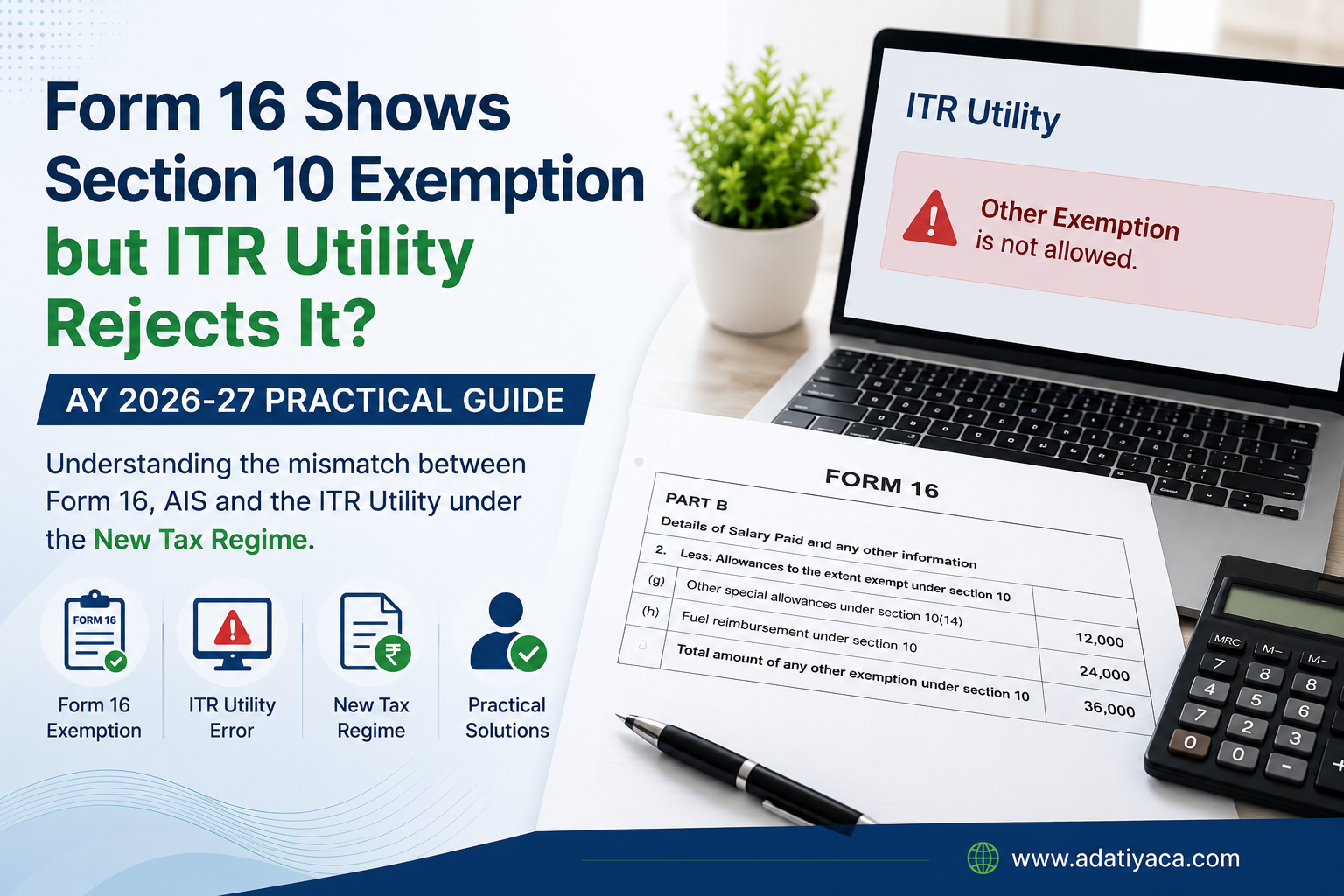
AY 2026-27: Form 16 Shows Section 10 Exemption but ITR Utility Does Not Allow It – What Should Taxpayers Do?
A Practical Issue Faced During ITR Filing Under the New Tax Regime
While filing Income Tax Returns for AY 2026-27, we have come across an interesting practical issue involving salaried taxpayers who have opted for the New Tax Regime.
In several cases, employers have issued Form 16 showing exemptions under Section 10 for reimbursements such as:
-
Mobile / Telephone Reimbursement
Need help with this? Talk to Adatiya & Associates → -
Fuel / Petrol Reimbursement
-
Internet Reimbursement
-
Other official-duty reimbursements
Need help with this? Talk to Adatiya & Associates →
However, when taxpayers attempt to claim the same exemption in the Income Tax Department's ITR Utility, the utility either does not provide a suitable field or rejects the claim under "Other Exemption".
This creates confusion because the exemption is clearly reflected in Form 16.
Illustrative Example
Consider a taxpayer whose Form 16 contains the following details:
| Particulars | Amount (₹) |
|---|---|
| Gross Salary | 13,00,000 |
| Mobile Reimbursement Exemption | 12,000 |
| Fuel Reimbursement Exemption | 24,000 |
| Total Exemption u/s 10 | 36,000 |
| Salary after Exemption | 12,64,000 |
At the same time:
-
AIS reflects Gross Salary of ₹13,00,000.
-
ITR Utility does not permit entry of ₹36,000 under "Other Exemption".
-
Validation errors are generated when the exemption is attempted.
This creates a practical challenge for taxpayers and tax professionals, as the exemption appears in Form 16 but is not readily accepted by the return filing utility.
Why Does This Happen?
Under the New Tax Regime (Section 115BAC), most salary-related exemptions are not available. Only a limited set of exemptions continue to be permitted. Many employers, however, continue to structure certain reimbursements as official-duty reimbursements and reflect them in Form 16.
Further, reimbursements such as telephone and internet expenses incurred wholly for official purposes are generally treated differently from fixed taxable allowances and may be considered non-taxable when supported by actual bills and employer policies.
The challenge is that the current ITR utility does not always provide a corresponding field to report these employer-reported exemptions.
What Should Taxpayers Verify?
Before filing the return, taxpayers should review:
-
Form 16 salary computation.
-
AIS salary information.
-
Form 26AS.
-
Employer's payroll policy.
-
Form 24Q Annexure II reporting, wherever available.
Particular attention should be paid to whether:
-
AIS reflects Gross Salary or Net Salary after exemption.
-
The employer has reported the exemption under a specific allowable category.
-
The salary reported in Form 16 matches the salary reported to the Income Tax Department.
Practical Filing Approach
Where:
-
AIS reflects Gross Salary,
-
ITR Utility does not permit the exemption,
-
and there is no clear reporting mechanism available in the return,
many tax professionals prefer to align the salary figures with AIS and utility validations to avoid processing mismatches and future notices.
However, each case should be evaluated independently after examining Form 16, AIS, payroll records, and employer reporting.
Key Takeaway
A taxpayer should not assume that every exemption reflected in Form 16 can automatically be claimed in the ITR utility under the New Tax Regime.
Where a mismatch exists between Form 16 and the return utility, professional review becomes important to determine the correct reporting position and avoid future disputes.
If you are facing a similar issue while filing your Income Tax Return for AY 2026-27, consult a tax professional before final submission.
Disclaimer: The figures used in the above example are illustrative only and do not relate to any specific taxpayer. Tax treatment may vary depending on the facts of each case, employer reporting, and applicable provisions of the Income-tax Act.
Have Questions? We're Here to Help
Get expert advice from Adatiya & Associates. Reach out to discuss your requirements.